How Companies Actually Build AI Products (No Fluff)
From API wrappers to fine-tuned models to full GPU infrastructure — the real journey startups take to build AI products, plus a Perplexity AI case study.
How Companies Actually Build AI Products (No Fluff)
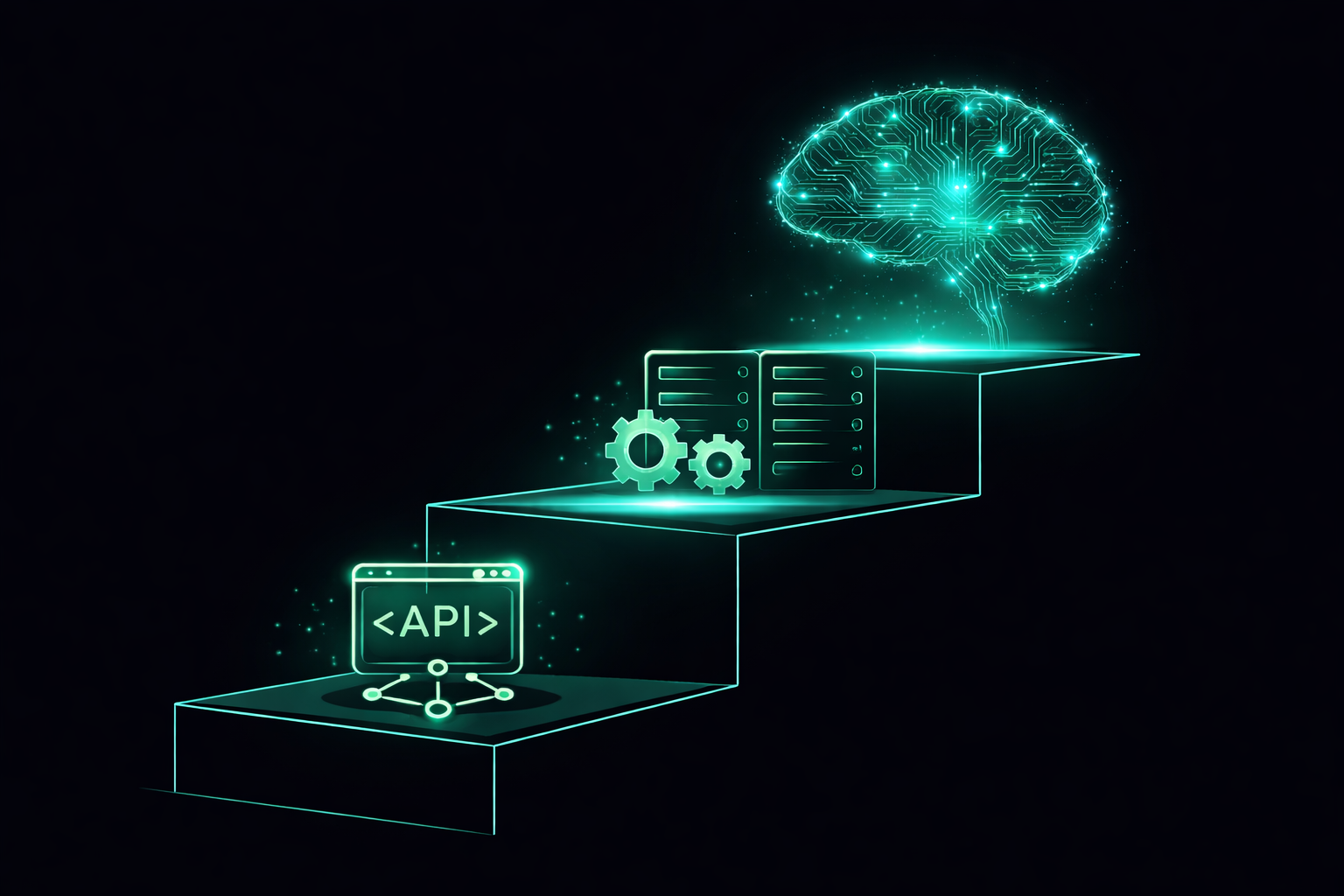
Most AI startups don't build AI from scratch. They climb a ladder. Here's exactly what that ladder looks like.
The Misconception
When you hear "we're an AI company" — most people imagine:
- 🔬 Scientists in lab coats
- 🖥️ Supercomputers humming away
- Terabytes of proprietary data
The reality? Most AI startups start with a single API call and a credit card.
Let me show you how the journey actually unfolds.
The 4 Phases of Building on AI
Phase 1: Call an API (The "Wrapper" Era) 📞
This is where every startup begins. You don't build anything — you borrow someone else's brain.
Your App → OpenAI API → GPT-4 → Response → Your User
You pay per token. You ship in days. You validate your idea before spending a dime on GPUs.
Real example: This is how Perplexity started. Literally. GPT-3.5 + Microsoft Bing search. That's it. Two external APIs. They launched in December 2022 and hit 2 million monthly users by March 2023. Not bad for a wrapper.
The good:
- Insanely fast to build
- World-class models out of the box
- Zero infrastructure headaches
The bad:
- Expensive at scale (you pay for every token, forever)
- You can't customize the model's behavior deeply
- If OpenAI raises prices or changes terms → you're stuck
Analogy: Renting a fully furnished apartment. Fast to move in. But you can't knock down walls, and rent keeps going up.
Phase 2: Swap to Open Source Models 🔓
At some point, you look at your API bill and say "okay this is insane."
That's when you discover the open-source world.
The big players:
| Model | Made by | Good at | |-------|---------|---------| | LLaMA 3 | Meta | General purpose, very capable | | Mistral / Mixtral | Mistral AI | Efficient, fast, multilingual | | Qwen | Alibaba | Strong at code + multilingual | | Gemma | Google | Small, runs on your laptop | | DeepSeek | DeepSeek | Crazy good, wild value |
These models are free to download and run. You host them yourself.
Your App → Your Server → LLaMA 3 → Response → Your User
The good:
- No per-token costs (you pay for compute, not usage)
- Full control — you can see the weights, modify things
- Privacy — data never leaves your servers
The bad:
- You now own the infrastructure. GPUs don't maintain themselves.
- Smaller models aren't as smart as GPT-4 (yet)
- Your ML team just got a lot busier
Analogy: Buying a house. More responsibility, but you own it now. You can renovate however you want.
Phase 3: Fine-Tune Your Own Model ⚙️
This is where it gets interesting.
Open-source models are smart, but they're generalists. They know a little about everything. You need an expert in your thing.
So you take a base model and teach it to be better at your specific use case.
That's fine-tuning.
What Fine-Tuning Actually Means
Think about a medical school graduate. They went through general education — biology, chemistry, physics, everything.
Now they do a residency. They specialize. They work in a hospital, see thousands of cases, get feedback from senior doctors.
Same doctor. Sharper expertise.
Fine-tuning is the residency.
Base Model (generalist)
      +
Your data (specialist examples)
      ↓
Fine-tuned Model (expert in your domain)
In practice:
-
You collect examples of ideal behavior
Input: "Summarize this legal contract" Output: [exactly how you want it summarized] -
You run the model on these examples
-
The model adjusts its weights to do your task better
-
You test. You iterate.
What fine-tuning does:
- Changes the model's style (more formal, more concise)
- Teaches domain knowledge (medical, legal, coding)
- Makes the model follow your specific format
- Removes behavior you don't want
What fine-tuning does NOT do:
- Give it knowledge it never had in pre-training
- Make a small model as smart as a big one
- Fix fundamental model limitations
Analogy: Fine-tuning is like taking a great chef and sending them to apprentice at a sushi restaurant for 6 months. Still the same chef. Now obsessively good at sushi.
Common fine-tuning techniques:
Full Fine-tuning    → Update all model weights (expensive, powerful)
LoRA                → Only train small adapters (cheap, surprisingly effective)
QLoRA               → LoRA but with 4-bit quantized model (runs on 1 GPU!)
Instruction Tuning  → Teach the model to follow instructions better
LoRA is the magic trick. Instead of updating billions of parameters, you add tiny "adapter" layers. Trains fast. Uses way less memory. Works shockingly well.
Phase 4: Train from Scratch 🏗️
Almost nobody does this. Seriously.
Training a frontier model from scratch means:
- Thousands of GPUs running for months
- Teams of 50–200 ML researchers
- Hundreds of millions (or billions) of dollars
- A proprietary dataset of trillions of tokens
Who actually does this:
- OpenAI (GPT-4)
- Anthropic (Claude)
- Google (Gemini)
- Meta (LLaMA — but they release it open source)
- DeepSeek (somehow did it cheaper than anyone expected)
- Mistral (building frontier models in Europe)
For everyone else? Don't. Fine-tune instead. You'll get 80% of the benefit for 1% of the cost.
Analogy: Training from scratch is like building an airplane factory because you want to fly somewhere. Most people should just buy a ticket (use an API) or learn to fly a small plane (fine-tune).
How Models Are Served to Users 🚀
Okay, you have a model. Now what?
This is called inference — actually running the model to generate responses.
And it's harder than it sounds.
The GPU Problem
LLMs are enormous. Running them requires serious hardware.
LLaMA 3 70B (70 billion parameters)
→ ~140GB in memory (at 16-bit precision)
→ That's 2× A100 GPUs minimum
→ Each A100 costs ~$2-3/hr on cloud
Running that 24/7 for millions of users gets expensive — fast.
The Speed Problem
Users hate waiting. LLMs generate tokens one at a time. If you're generating 500 tokens at 20 tokens/second — that's 25 seconds. Nobody waits 25 seconds.
The tricks engineers use:
Streaming: Send each token as it's generated, so users see text appearing in real time. Feels instant. ChatGPT does this.
Batching: Instead of serving one user at a time, serve 32 users simultaneously on the same GPU. Way more efficient.
Quantization: Shrink model weights from 16-bit to 8-bit or 4-bit. Model gets smaller, runs faster, tiny quality hit. Like compressing a photo — still looks good.
KV Cache: A clever trick where the model doesn't re-read the whole conversation every time. It caches the "understanding" of what it already read.
The Tools
| Tool | What it does | |------|-------------| | vLLM | Open source inference engine. The industry standard. Batches smartly, very fast. | | TensorRT-LLM | NVIDIA's optimized engine. Squeezes maximum speed from their GPUs. | | Together AI | Managed inference cloud. You bring the model, they handle serving, GPUs, quantization. | | Hugging Face TGI | Text Generation Inference. Popular starting point. | | Ollama | Run models locally on your laptop. Great for dev/testing. | | CoreWeave | GPU cloud for massive inference scale. Like AWS but built specifically for AI. |
Your Model
    ↓
vLLM (handles batching, KV cache, quantization)
    ↓
NVIDIA A100/H100 GPUs
    ↓
Blazing fast responses at scale ⚡
Analogy: vLLM is like a really good restaurant manager. Without them, each waiter handles one table. With them, the kitchen runs 10x more efficiently — same cooks, way more tables served.
Real Example: How Cursor Used Together AI (Then Built Their Own Model) 🖱️
Cursor is the AI code editor you've probably heard of. Their inference journey is a perfect mini case study.
Phase 1 — API calls: Like everyone else, Cursor started by calling OpenAI and Anthropic APIs directly. You write code → GPT-4 suggests completions. Simple.
Phase 2 — Partner with Together AI for serving: As Cursor scaled to millions of developers, they needed lower latency and more control. They partnered with Together AI to serve their models.
Here's what that actually looks like under the hood:
Developer types code in Cursor editor
         ↓
Request hits Together AI's inference cluster
         ↓
NVIDIA Blackwell GB200 GPUs run the model
         ↓
Together applies TensorRT-LLM + NVFP4 quantization
         ↓
Response back in milliseconds ⚡
Together AI handles the hard parts: GPU clusters across multiple data centers, quantization pipelines, A/B testing new model weights, spinning up test endpoints within days when Cursor ships new model versions.
Cursor focuses on the model. Together focuses on serving it. Clean separation.
Phase 3 — Train their own model (Composer): This is where it gets really interesting.
Cursor eventually built Composer — their first fully proprietary LLM, trained from scratch with Reinforcement Learning.
Instead of learning from static text data like regular pre-training, Composer learned by actually doing coding tasks inside real codebases:
Give model a real coding problem
         ↓
Model edits files, runs terminal commands,
uses semantic search across the codebase
         ↓
Check if the code works (automated reward signal)
         ↓
Reward good solutions, penalize bad ones
         ↓
Repeat across thousands of NVIDIA GPUs
The training stack: PyTorch + Ray for distributed RL, MXFP8 MoE kernels for memory efficiency, hybrid sharded data parallelism to scale across thousands of GPUs.
The result? Composer performs close to GPT-4.5 and Claude Sonnet on coding benchmarks — but 4x faster for code generation. And Cursor still uses Together AI to serve it in production.
Key insight: You can train your own model AND still outsource the serving infrastructure. They're separate problems. Cursor solves the model quality problem. Together AI solves the scale and latency problem.
The lesson for builders:
If you need fast inference at scale     → Partner with Together AI / CoreWeave
If you need a model specialized for you → Fine-tune (or eventually, train with RL)
You don't have to do both yourself.
Case Study: How Perplexity AI Did It 🔭
Perplexity is the perfect example of climbing this ladder fast and smart.
The Beginning: Pure API Wrapper (2022)
Perplexity launched in December 2022 — just two months after ChatGPT took the world by storm.
Their initial stack was brutally simple:
User question
    ↓
Microsoft Bing (search the web)
    ↓
OpenAI GPT-3.5 (summarize the results)
    ↓
Answer
That's it. No proprietary model. No custom training. Two API calls.
Aravind Srinivas (CEO) literally called this being a "wrapper" — and owned it:
"Being a wrapper was very essential and very important position to be early in those days, because the OpenAI API essentially allows you to turn the problem around and first verify if there is market fit."
Result: 2 million monthly active users in 3 months. Product-market fit confirmed.
The Pivot: Open Source + Own Infrastructure (2023)
The API bills were stacking up. And Perplexity needed more control over latency — search results need to come back fast.
They made two moves:
1. Switched to open-source base models
They started using Mistral 7B and LLaMA 2 70B as base models instead of paying OpenAI per token.
2. Built their own inference infrastructure
They built
pplx-apiThe results were wild:
vs. standard Text Generation Inference (TGI):
→ 2.92x faster overall latency
→ 4.35x faster initial response (time to first token)
Switching just one feature from OpenAI's API to pplx-api saved them $620,000/year — a 4x cost reduction.
And their infra was handling 1 million+ requests per day — almost a billion tokens daily.
The Glow-Up: Fine-Tuned Models (2023–2024)
Now they had fast infra. Time to make smarter models.
They introduced their pplx-online model family — open source base models, fine-tuned specifically for real-time search-augmented Q&A.
pplx-7b-online   → Based on Mistral 7B
pplx-70b-online  → Based on LLaMA 2 70B
These weren't just raw open-source models. They were continuously retrained to:
- Handle live web search results
- Cite sources properly
- Stay up-to-date with the world
Then came Sonar — their flagship model family built on LLaMA 3.1 (70B), trained in-house using NVIDIA NeMo for distributed fine-tuning.
LLaMA 3.3 70B (open source base)
       +
Perplexity's search query datasets
       +
NVIDIA NeMo for distributed training
       +
8x H100 GPUs
       ↓
Sonar — fast, accurate, citation-aware
NeMo let them scale fine-tuning from 0.5B to 400B+ parameter models across multiple nodes.
Where Perplexity Stands Now
2022: Two API calls + borrowed search
2023: Own inference stack (pplx-api), open-source base models
2024: Fine-tuned Sonar family, distributed training on H100s
2026: Multi-year deal with CoreWeave — NVIDIA GB200 NVL72 clusters
Now:  $9B+ valuation, hundreds of millions of users
The CoreWeave deal is the latest chapter. Even after building their own pplx-api infra on AWS, at a certain scale you need dedicated GPU clusters with cutting-edge hardware (GB200s are the newest NVIDIA chips). CoreWeave is basically a GPU-specialized cloud — they exist purely to run AI workloads, faster and cheaper than general clouds like AWS or GCP.
So Perplexity's infra stack now looks like:
Sonar model (fine-tuned on LLaMA, trained in-house)
         ↓
pplx-api (their own inference engine, TensorRT-LLM)
         ↓
CoreWeave cloud (NVIDIA GB200 NVL72 GPU clusters)
         ↓
Answers in milliseconds for millions of users
They didn't build GPT. They didn't need to.
They found a problem (AI search), validated it with APIs, cut costs with open source, then built exactly the infrastructure they needed — no more, no less. And when they outgrew AWS, they moved to a GPU-native cloud.
That's the playbook.
The Full Startup AI Ladder
Phase 1: API Wrapper
→ Fast, cheap, validate your idea
→ Cost: Pay per token
→ Team: 1-2 engineers

Phase 2: Open Source Models
→ Host your own, control your stack
→ Cost: GPU compute (predictable)
→ Team: +1 ML/infra engineer

Phase 3: Fine-Tuning
→ Specialize the model for your domain
→ Cost: Training run + serving infra
→ Team: +ML researchers

Phase 4: Train from Scratch
→ Frontier models, massive investment
→ Cost: $100M–$1B+
→ Team: 50–500 researchers
Most successful AI companies live in Phase 2–3. Very few need Phase 4.
The smartest founders ask: "What's the minimum AI we need to build to win?" — and build exactly that.
The Takeaway
Building an AI product doesn't mean building AI.
It means understanding what the model needs to do, how fast it needs to do it, at what cost, and with how much accuracy — then climbing the ladder only as high as you need.
Start with an API. Prove it works. Then optimize.
That's how Perplexity did it. That's how Cursor did it. That's how most great AI companies do it.
Next up: How AI agents work, why RAG exists, and why everyone keeps talking about "context windows."
Anoop Singh
Tech Lead & AI Architect